
What Is Angular Zoneless Change Detection? A Practical Guide
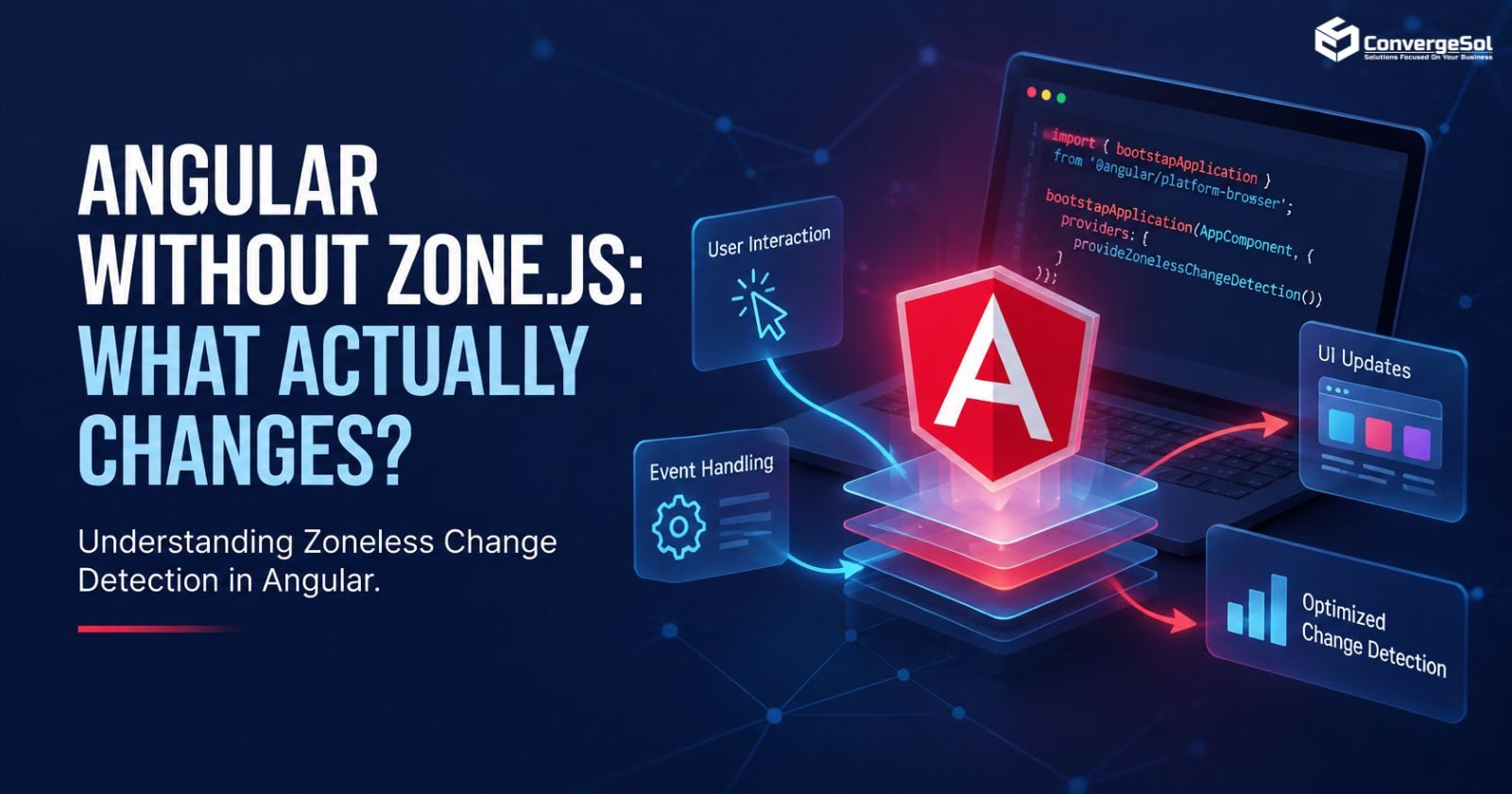
Angular's change-detection model is evolving. With zoneless change detection, Angular can schedule UI updates without relying on Zone.js to track asynchronous activity.
But what does this change mean for developers? Does Angular without Zone.js improve performance? And how do Signals, RxJS, and AsyncPipe work in a zoneless application?
The key is understanding how Angular receives notifications that the UI needs to update. Removing Zone.js alone does not guarantee better performance or eliminate the need for change detection.
This guide explains how Angular zoneless change detection works, provides practical code examples, and outlines what teams should evaluate before migrating an existing application.
What Is Zoneless Change Detection in Angular?
Zoneless change detection allows Angular to schedule change detection without depending on Zone.js to track asynchronous activity.
Traditionally, Zone.js helps Angular recognize asynchronous operations, such as timers, event handlers, and callbacks, that may require the framework to check the UI.
In zoneless mode, Angular instead relies on supported notifications from framework APIs and application code.
These include mechanisms such as:
- Signals read in templates
AsyncPipewhen new asynchronous values arriveChangeDetectorRef.markForCheck()- Bound event handlers and other framework-supported notifications
Change detection still occurs in a zoneless application. The difference is how Angular learns that a view may need updating.
For developers, this means understanding the application's state-management and notification patterns is essential when adopting zoneless change detection.
1. How Does Angular Zoneless Change Detection Work?
Consider an Angular component that retrieves information from an API and displays it on the screen.
In a traditional application, Zone.js helps Angular detect asynchronous activity and initiate change detection. In a zoneless application, updates must reach Angular through appropriate notification mechanisms.
For example, changing an ordinary TypeScript property inside an arbitrary external callback does not necessarily notify Angular that a template needs to refresh.
This distinction matters when applications use:
- API responses and asynchronous callbacks
- Component properties and shared state
- Third-party libraries
- RxJS subscriptions
- Components using
OnPushchange detection
The goal is not to eliminate change detection. It is to ensure that Angular receives the correct notification when application state changes.
2. How Do Angular Signals Work Without Zone.js?
Signals are a reactive state-management mechanism in Angular. They allow Angular to track values read in templates and respond when those values change.
Consider this example:
import { Component, signal } from '@angular/core';

@Component({
  selector: 'app-counter',
  standalone: true,
  template: `
    <p>Count: {{ count() }}</p>
    <button (click)="increment()">Increment</button>
  `
})
export class CounterComponent {
  count = signal(0);

  increment() {
    this.count.update(value => value + 1);
  }
}
The template reads count(). When the button is clicked, the increment() method updates the signal, notifying Angular that the relevant view needs updating.
This demonstrates why Signals are useful in zoneless applications: Angular can respond to tracked state changes without relying on Zone.js to monitor asynchronous activity.
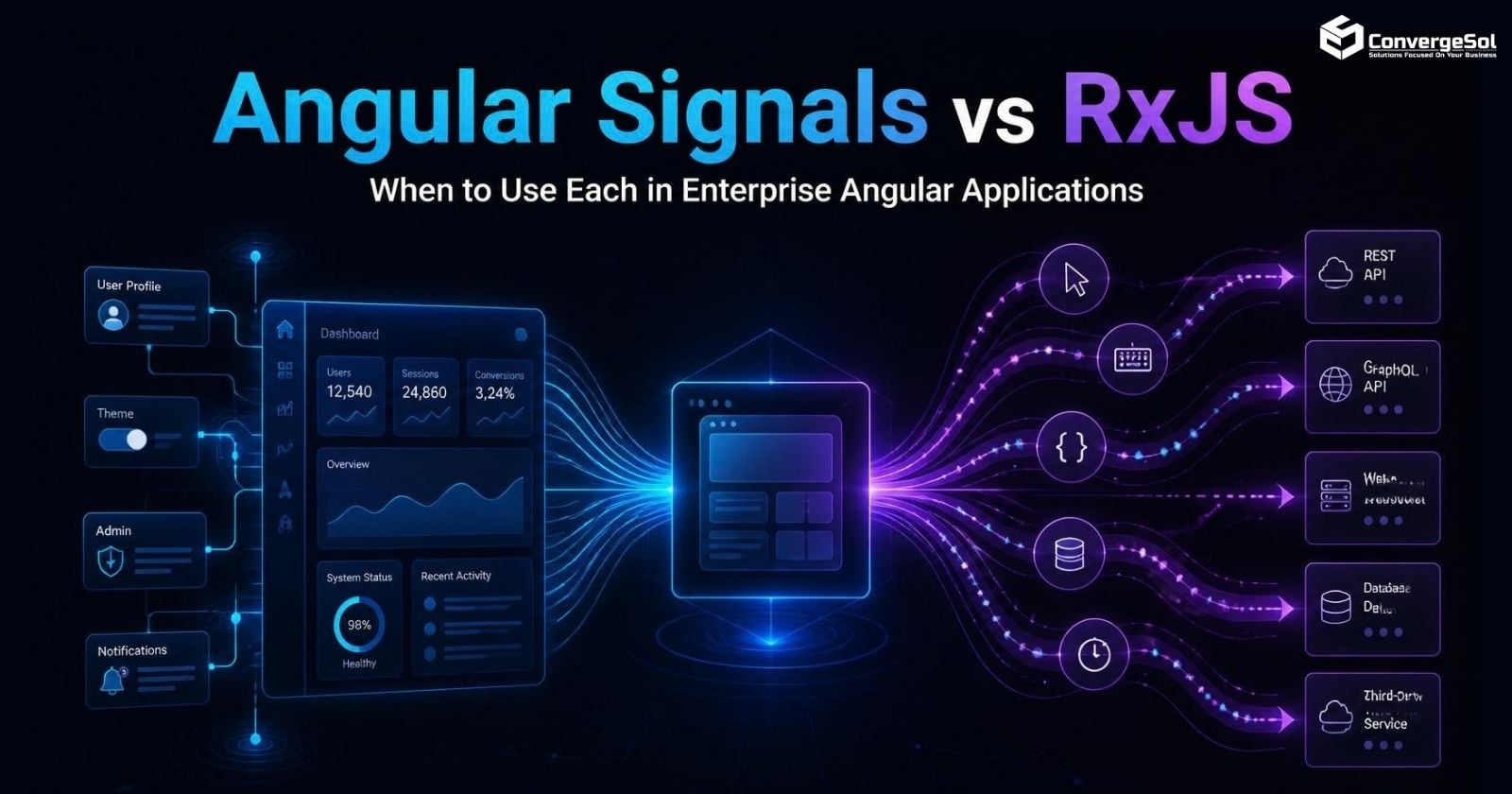
Signals are particularly useful for component state and derived values. However, they do not replace every use case for RxJS, especially when applications need complex event streams, cancellation, or asynchronous data transformations.
3. Can You Use RxJS in Zoneless Angular?
Yes. RxJS continues to work with zoneless Angular and remains useful for asynchronous streams, API requests, event composition, and data transformations.
The important consideration is how Observable values reach the template and notify Angular when updates occur.
Angular's AsyncPipe is one supported mechanism for this purpose.
For example:
<p>{{ userName$ | async }}</p>
The AsyncPipe subscribes to an Observable or Promise and marks the relevant component for checking when a new value arrives.
Another useful API is ChangeDetectorRef.markForCheck(). It marks a view as needing to be checked and can help when an external callback changes a value without otherwise notifying Angular.
this.externalService.onUpdate(value => {
  this.status = value;
  this.changeDetectorRef.markForCheck();
});
Whether the manual notification is necessary depends on the update path. If a supported mechanism already notifies Angular, adding another call may be unnecessary.
The practical lesson is to understand how each asynchronous update reaches Angular rather than adding manual change-detection calls everywhere.
4. Does Removing Zone.js Improve Angular Performance?
Not automatically.
Zoneless change detection can reduce overhead associated with Zone.js and provide a more explicit approach to scheduling UI updates. However, the actual performance impact depends on the application's architecture, rendering workload, and dependencies.
Common Angular performance bottlenecks include:
- Expensive computations in templates
- Unnecessary component updates
- Large JavaScript bundles
- Inefficient API requests
- Excessive rendering of large lists
- Third-party scripts that block the main thread
Removing Zone.js does not solve these problems on its own.
To evaluate the benefits, measure application behavior before and after migration. Browser profiling, Angular DevTools, and realistic user workflows can help teams assess responsiveness, rendering behavior, and other performance indicators.
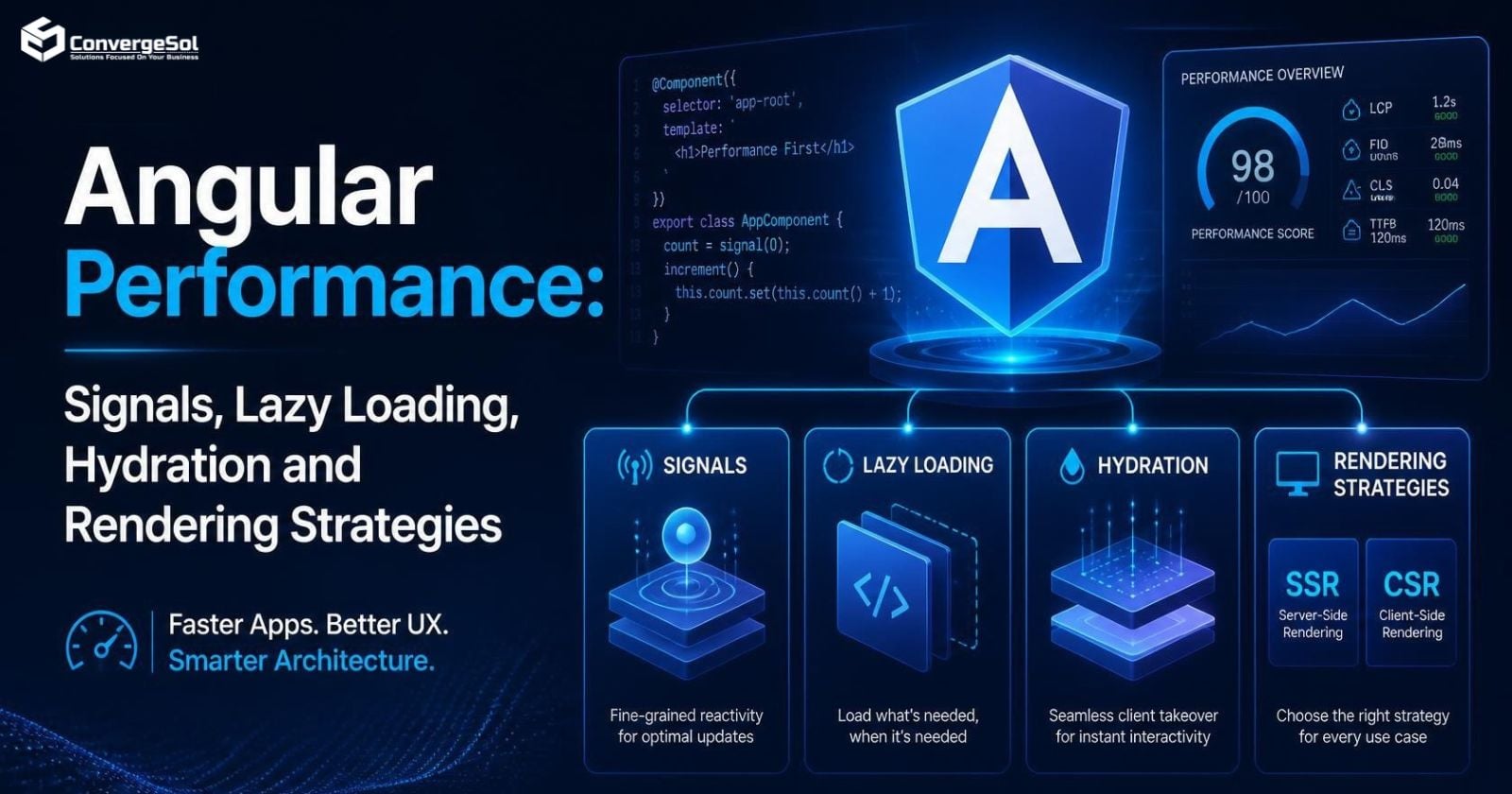
For additional techniques, see Angular Performance Optimization: Signals, Lazy Loading, Hydration and Rendering Strategies.
5. What Should You Check Before Migrating to Zoneless Angular?
Before enabling zoneless change detection in an existing Angular application, review these five areas.
Application state and asynchronous updates
Identify how components receive updates from Signals, Observables, promises, timers, services, and callbacks. Verify that Angular receives the appropriate notification when the UI needs to change.
Third-party dependencies
Check whether libraries depend on Zone.js behavior or use external callbacks that may not notify Angular as expected.
Change-detection strategy
Review OnPush components, manual change-detection calls, and assumptions about when the UI refreshes.
Automated testing
Test API responses, forms, dialogs, timers, user interactions, and asynchronous workflows. A successful application startup does not prove that every view updates correctly.
Angular version compatibility
Check the official Angular documentation for the supported zoneless configuration and migration guidance for your application's version. Configuration options and migration considerations can vary between versions.
A gradual migration with automated tests is often safer than changing the entire application without validating individual workflows.
For organizations modernizing existing applications or building new products, a structured approach to custom software product development can help align architecture, testing, performance requirements, and long-term maintainability.
Frequently Asked Questions
What is Angular zoneless change detection?
Angular zoneless change detection allows the framework to schedule UI updates without relying on Zone.js to track asynchronous activity. It uses supported notifications from Signals, AsyncPipe, ChangeDetectorRef.markForCheck(), and other framework mechanisms.
Do Signals replace Zone.js in Angular?
No. Signals provide reactive state management and notify Angular when tracked values change. Zoneless change detection removes Angular's reliance on Zone.js for scheduling change detection. They work together but serve different purposes.
Can I use RxJS without Zone.js?
Yes. RxJS remains useful for Observables, asynchronous data streams, event composition, and cancellation. AsyncPipe can notify Angular when an Observable or Promise produces a new value for a template.
Is zoneless Angular faster than traditional Angular?
It can reduce Zone.js-related overhead, but performance improvements are not guaranteed. Results depend on the application's component architecture, rendering workload, dependencies, and update patterns. Benchmark the application to understand the actual impact.
Should every Angular application migrate to zoneless change detection?
No. Teams should evaluate Angular version compatibility, third-party libraries, test coverage, and expected benefits before migrating. A measured, well-tested migration is preferable to adopting zoneless mode without assessing application behavior.
Conclusion
Angular zoneless change detection changes how the framework receives notifications that the UI needs updating. Understanding Signals, RxJS, AsyncPipe, component state, and change-detection notifications is more important than simply removing Zone.js.
Teams should review their asynchronous update patterns, validate third-party integrations, and measure application performance before and after migration.
These considerations are especially relevant for technology and SaaS businesses maintaining complex applications that must scale while delivering a reliable user experience.
For the original ConvergeSol article, read Angular Without Zone.js: What Really Changes for Teams?.
How is your team approaching zoneless Angular? Are you already using it, testing a migration, or still evaluating its benefits? Share your experience in the comments.
About the author
- Converge Solution is a software development company delivering AI, cloud, data, product engineering, low-code, Salesforce, and enterprise technology solutions for businesses worldwide.
Comments
Join the discussionNo comments yet. Be the first to comment.