
Angular Signals vs RxJS: When Should You Use Each in Enterprise Applications?
A practical guide to choosing Angular Signals, RxJS, or both for scalable enterprise applications.
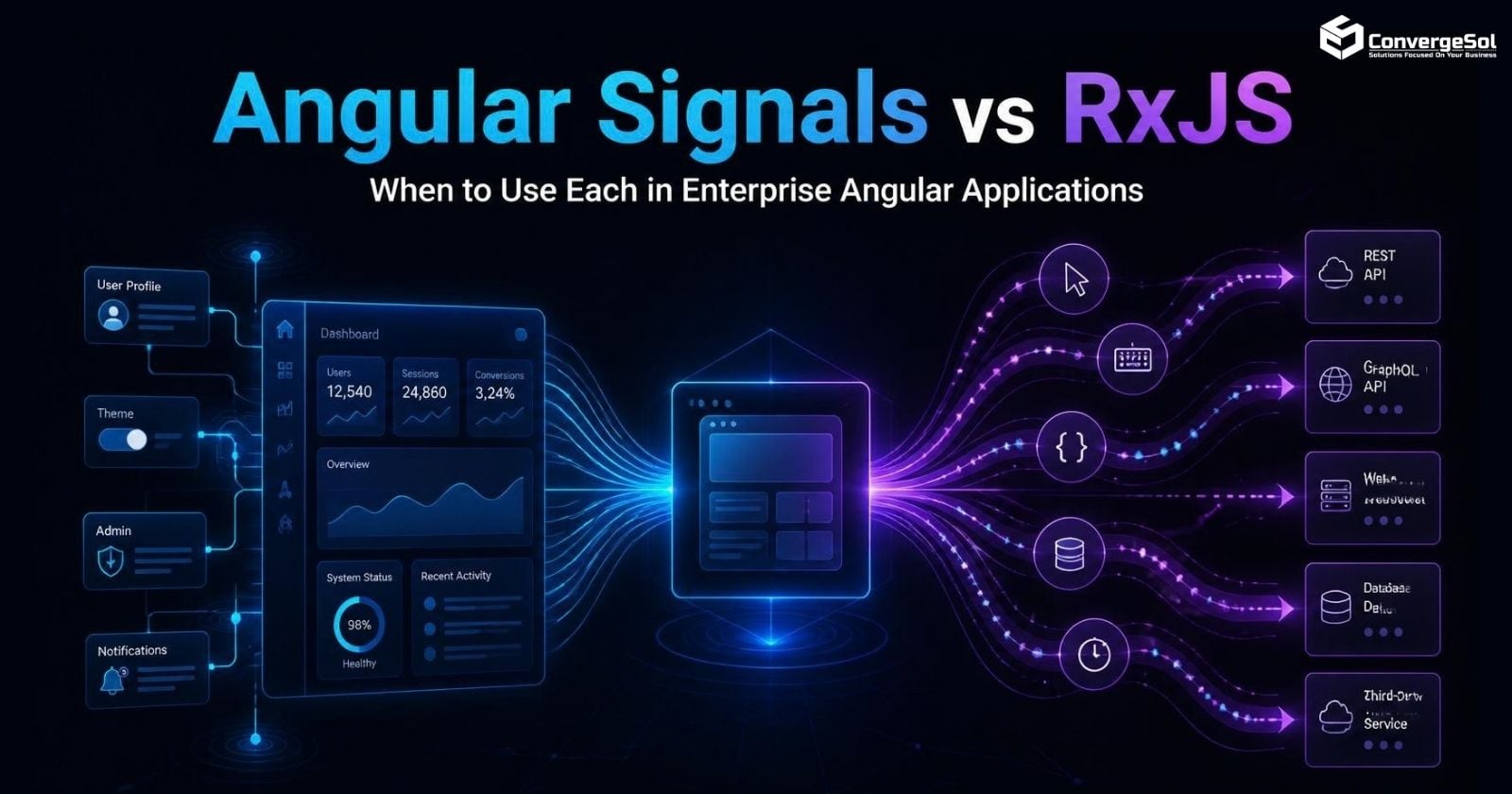
Angular Signals have become an important part of modern Angular development, but that doesn't mean RxJS is going away.
This raises a common question for Angular developers:
Should you use Angular Signals instead of RxJS?
The short answer is no.
Signals and RxJS solve different problems.
Signals are well suited to reactive state, derived values, and UI-driven interactions. RxJS remains extremely useful for asynchronous streams, API workflows, event processing, cancellation, retries, and time-based operations.
For enterprise Angular applications, the real challenge is understanding where each one fits.
Angular Signals vs RxJS: What's the Difference?
At a high level:
Angular Signals → reactive state
RxJS → asynchronous streams and event workflows
This distinction is more useful than thinking about Signals as the "new" version of RxJS.
Signals provide a straightforward way to model state and its dependencies.
RxJS provides a rich set of abstractions and operators for working with asynchronous sequences of values over time.
In a large Angular application, both can have a place.
When Should You Use Angular Signals?
Signals are particularly useful when state is closely connected to the UI.
Consider this example:
import { signal, computed } from '@angular/core';

const selectedCategoryId = signal<number>(101);

const firstName = signal('John');
const lastName = signal('Doe');

const fullName = computed(() => `${firstName()} ${lastName()}`);
fullName is derived from firstName and lastName.
When either value changes, the computed value updates automatically.
This makes Signals a good fit for:
Component state
UI state
Selected values
Filters
Toggles
Counters
Derived values
Visibility conditions
Synchronous reactive state
For example:
readonly isMenuOpen = signal(false);

toggleMenu() {
  this.isMenuOpen.update(value => !value);
}
This is simple state-driven UI behavior. There is usually no reason to introduce an Observable just to represent whether a menu is open.
When Should You Use RxJS?
RxJS becomes more useful when the problem involves asynchronous streams or events over time.
Typical examples include:
HTTP requests
Search and autocomplete
WebSocket connections
User event streams
Request cancellation
Retries
Error recovery
Debouncing
Throttling
Polling
Combining asynchronous sources
Consider an autocomplete feature.
The application might need to:
Capture user input.
Wait until the user pauses typing.
Ignore duplicate values.
Cancel the previous request.
Send the latest request.
Process the response.
Handle failures.
RxJS provides operators specifically designed for this type of workflow.
searchTerms$
  .pipe(
    debounceTime(300),
    distinctUntilChanged(),
    switchMap(term => this.searchService.search(term))
  );
Here, operators such as debounceTime, distinctUntilChanged, and switchMap express the asynchronous behavior directly.
This is one of the areas where RxJS continues to provide significant value.
Signals and RxJS Are Not Mutually Exclusive
A common misconception is that adopting Signals means removing RxJS.
Enterprise applications rarely work that way.
A feature can use RxJS for asynchronous data processing and Signals for UI-facing state.
A simplified architecture might look like:
API / Events
     ↓
    RxJS
     ↓
Application State
     ↓
  Signals
     ↓
    UI
For example, an API service can continue returning an Observable:
getUsers(): Observable<User[]> {
  return this.http.get<User[]>('/api/users');
}
The component can then expose the resulting state using Signals:
readonly users = signal<User[]>([]);
readonly loading = signal(false);

loadUsers() {
  this.loading.set(true);

  this.userService.getUsers().subscribe({
    next: users => {
      this.users.set(users);
      this.loading.set(false);
    },
    error: () => {
      this.loading.set(false);
    }
  });
}
The important point isn't the exact implementation.
It's the separation of responsibilities:
RxJS handles the asynchronous operation. Signals represent state consumed by the UI.
A Practical Decision Framework
When deciding between Signals and RxJS, start with the problem rather than the technology.
Use Signals for reactive state
Signals are a strong option for:
Component state
UI state
Derived values
Filters
Selections
Toggles
Synchronous state changes
Use RxJS for asynchronous workflows
RxJS is a strong option for:
HTTP and API workflows
Event streams
WebSockets
Cancellation
Retries
Debouncing
Polling
Complex stream composition
Time-based operations
Use Both when the feature requires both
Many enterprise features fall into this category.
For example:
User Action
    ↓
RxJS
    ↓
API / Async Processing
    ↓
Application State
    ↓
Signal
    ↓
UI
This approach allows each technology to do what it does best.
What About Existing Enterprise Angular Applications?
This is where the discussion becomes particularly important.
A new Angular project has more freedom to establish reactive patterns from the beginning.
An existing enterprise application may already have:
Hundreds of RxJS streams
Shared services
HTTP pipelines
State management
WebSocket integrations
Complex event processing
Custom RxJS operators
Replacing all of that with Signals isn't automatically an improvement.
Migration should be driven by a real architectural or maintenance benefit.
If an existing RxJS workflow handles cancellation, retries, event composition, and asynchronous processing effectively, there may be little reason to rewrite it.
Instead, Signals can be introduced where they provide a simpler model for reactive UI state.
This makes incremental adoption a much more practical strategy.
Example: Enterprise Financial Dashboard
Consider a financial dashboard used by analysts.
The application might need to retrieve information from multiple APIs, combine responses, apply filters, handle loading states, and refresh data periodically.
At the same time, the UI might need to track:
selectedAccount
activeFilter
selectedDateRange
loading
dashboardData
totalValue
These responsibilities don't necessarily need the same reactive abstraction.
RxJS can handle:
API requests
Combining responses
Polling
Cancellation
Retry logic
Asynchronous event processing
Signals can handle:
Selected account
Active filters
Derived totals
UI visibility
Component state
This type of separation can be especially useful when building or modernizing financial software, where applications often combine complex data workflows with highly interactive interfaces.
For teams working on enterprise financial applications, the technology choice should also account for security, scalability, integration requirements, and long-term maintainability.
Should You Replace RxJS With Signals?
No — not by default.
Signals are not intended to make every RxJS use case disappear.
A better approach is to ask:
What problem are we solving?
If you need reactive state:
→ Consider Signals.
If you need asynchronous streams:
→ Consider RxJS.
If you need both:
→ Use both.
This prevents technology decisions from becoming unnecessarily binary.
A Useful Mental Model
One simple mental model for Angular architecture is:
Signals manage state. RxJS manages streams.
It isn't an absolute rule.
There will be situations where the two overlap, and Angular provides mechanisms for integrating Signals and Observables.
But as an architectural starting point, this distinction is useful.
It encourages developers to think about responsibility rather than simply choosing whichever API is newer.
Angular Signals and RxJS in Enterprise Architecture
For enterprise teams, the most important thing isn't adopting a particular reactive technology.
It's establishing consistent architectural boundaries.
A practical approach could be:
Signals
UI state
Local component state
Derived values
Simple reactive interactions
RxJS
API workflows
Event streams
Async processing
Cancellation
Retries
Time-based operations
Services
Backend integration
Business logic boundaries
External systems
This can help keep large Angular applications understandable as features, developers, and integrations grow.
If your team is building or modernizing a large application, a broader custom software development approach can also help align application architecture with long-term scalability and business requirements.
Final Thoughts
Angular Signals and RxJS shouldn't be viewed as competing technologies.
They address different aspects of reactive application development.
Use Signals when you need simple, reactive state that drives the UI.
Use RxJS when you're dealing with asynchronous streams, event processing, cancellation, retries, or time-based workflows.
And when a feature needs both, there's no reason to choose only one.
The goal isn't:
Signals vs RxJS
The better goal is:
Signals + RxJS, with clear architectural boundaries.
For enterprise Angular applications, that distinction can make reactive code easier to understand, maintain, and scale.
Continue Reading
For a deeper comparison of Angular Signals and RxJS, including practical enterprise use cases:
Angular Signals vs RxJS: When to Use Each in Enterprise Angular Applications
If you're interested in how these architectural decisions apply to financial applications, you can also explore ConvergeSol's Financial Services technology solutions.
How are you using Signals and RxJS in your Angular applications?
Are you introducing Signals into an existing RxJS architecture, or starting a new application with both from the beginning?
About the author
- Converge Solution is a software development company delivering AI, cloud, data, product engineering, low-code, Salesforce, and enterprise technology solutions for businesses worldwide.
Comments
Join the discussionNo comments yet. Be the first to comment.